How we fix a Shopify store: before and after
VibeFix is an AI agent that fixes accessibility issues in your Shopify store’s theme code. Here are three issues from one fix: what the shopper runs into, the page before and after, and the lines that changed in the theme.
Example: a Shopify store before and after the fix. Checked, fixed and re-checked on 12 November 2026. The pictures were taken on 20 November 2026 on a phone-size screen, with the section’s code as it was before and after that fix.
Three examples
1. Text that is too faint to read
A light grey line on a white background had a contrast of 1.7:1. The fix made it dark grey, at 7:1.
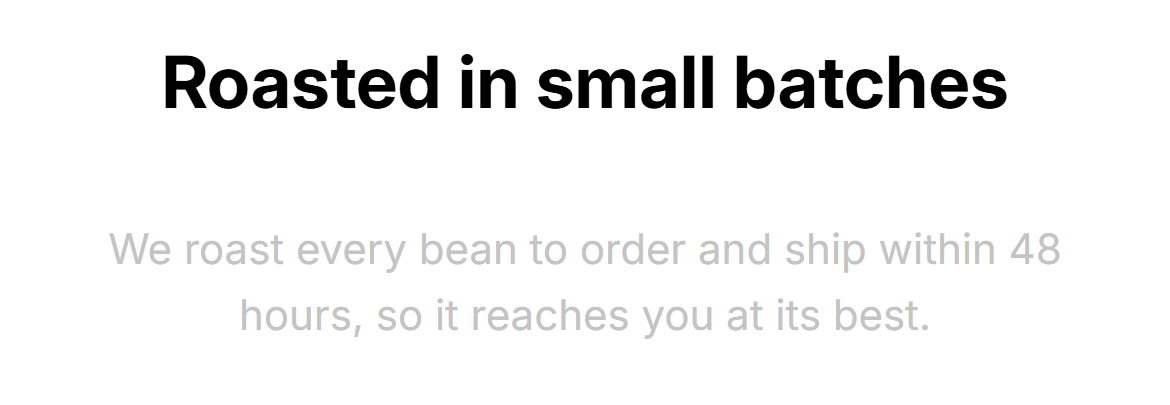
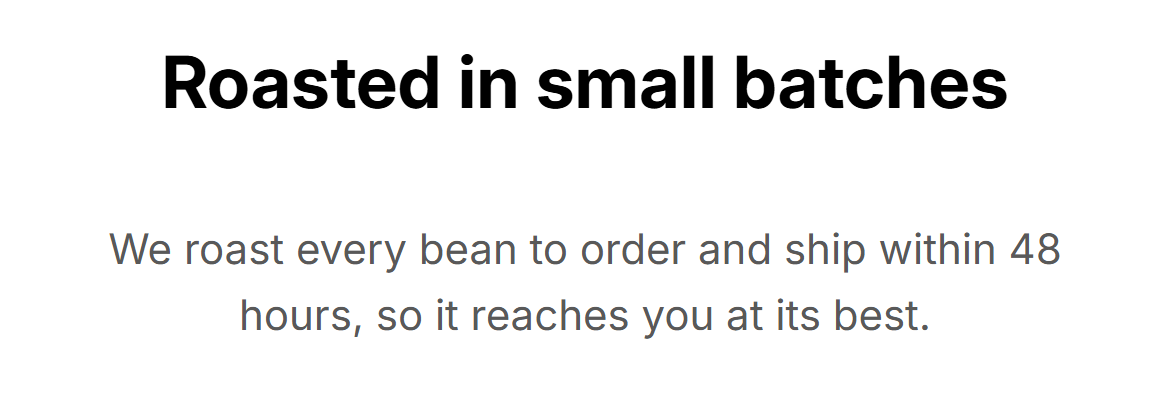
−  .promo__note { color: #c4c4c4; }
+  .promo__note { color: #595959; }
2. A picture with no description
Three product pictures had no text description. The product name is already in the same link, so the fix marked the pictures as decorative, which tells a screen reader to skip them.
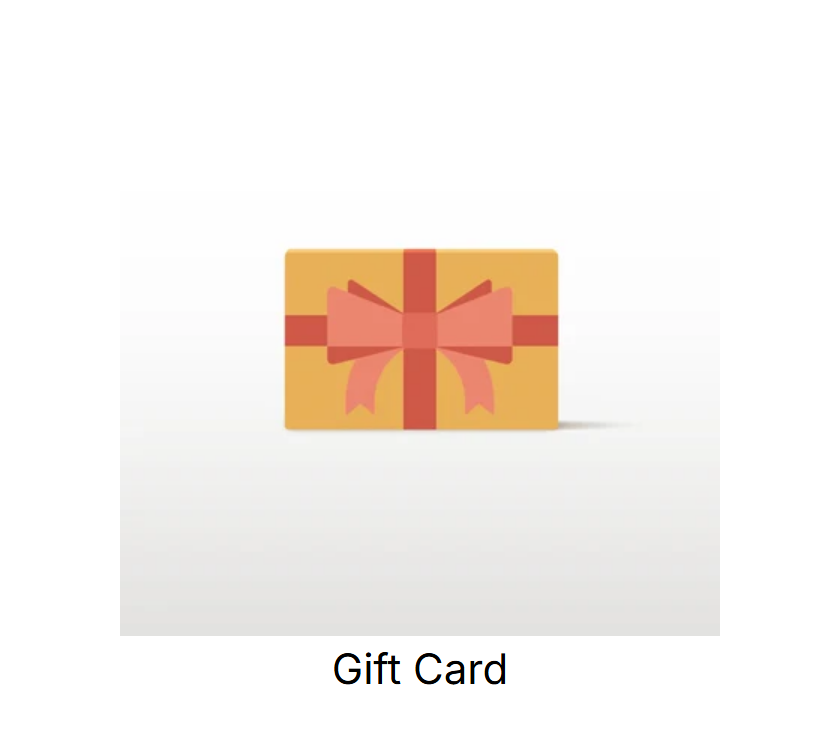
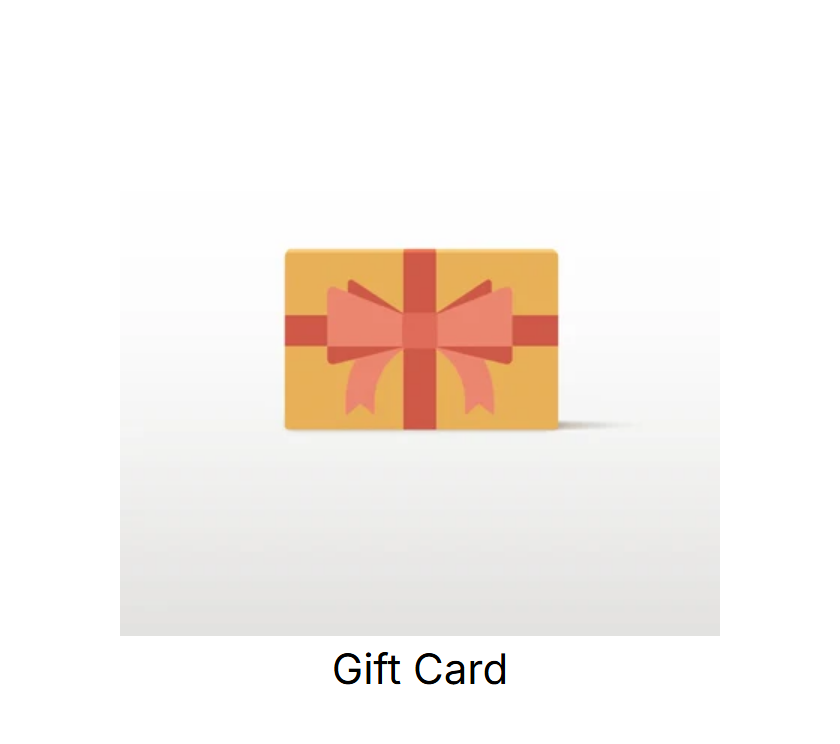
| Before | The picture had no alt text at all. |
|---|---|
| After | The picture has an empty alt, which marks it as decorative. The link’s text is “Gift Card”, as before. |
−  <img src="{{ product.featured_image | image_url: width: 400 }}" width="400" height="400">
+  <img src="{{ product.featured_image | image_url: width: 400 }}" width="400" height="400" alt="">
3. An icon link with no name
The cart link was only an icon, with no name for a screen reader to read out. The fix gave it the name “Cart”, taken from the theme’s own translation files.
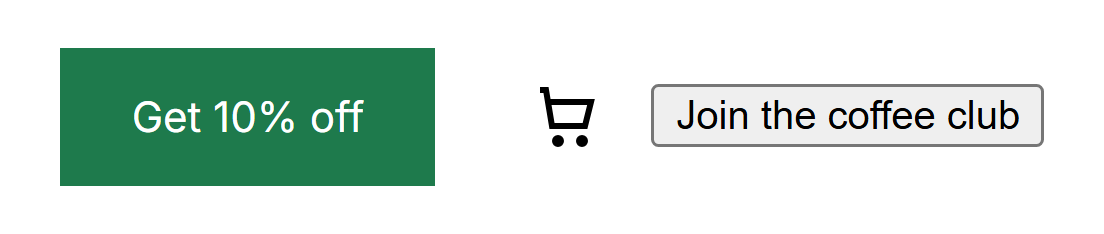
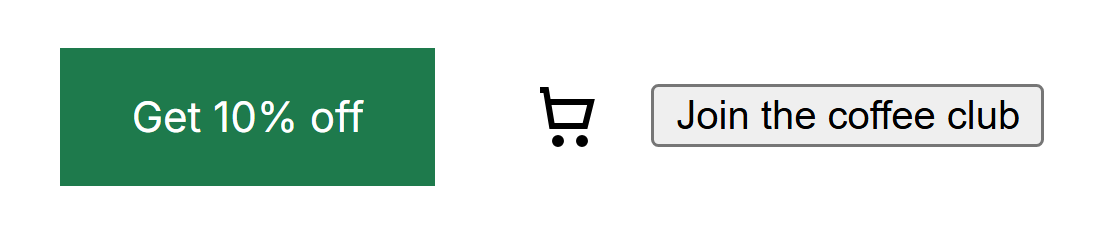
| Before | The link had no name. |
|---|---|
| After | The link’s name is “Cart” (measured on the English page). |
−  <a class="promo__cart" href="{{ routes.cart_url }}"><svg width="24" height="24" …>
+  <a class="promo__cart" href="{{ routes.cart_url }}" aria-label="{{ 'accessibility.cart' | t | escape }}"><svg aria-hidden="true" focusable="false" width="24" height="24" …>
How it works
- Free check. Enter your store address and see what our check finds on your homepage, usually in about a minute, before you pay anything.
- Fix on a copy. Within 48 hours of you connecting your store, our AI agent works through the issues in your report on an unpublished copy of your theme. We review each change before you preview it.
- Preview and publish. You preview the copy and publish it yourself. Nothing goes live until you do.
- Re-check. We re-check your live store. You get a dated before-and-after report, including anything still open.
| Price | $390 until 30 Nov (Black Friday), then $490. One time, with a dated before-and-after report. Or $99 a month: the same fix, then weekly re-checks and fixes, with a monthly report. |
|---|---|
| Refund | On the $390 fix: If we can't complete your re-check, you get your money back. |
| When | Within 48 hours of you connecting your store. |
Get a free check of my homepage
Sample fix log
This is what one entry of a fix log looks like. It is example 1 above, with the times of the check, the fix and the re-check. The two pictures were taken on 20 November 2026 on a phone-size screen, with the section’s code as it was before and after the fix.
| Store | Example: a Shopify store before and after the fix. |
|---|---|
| Date | 12 November 2026 |
| Issue | Text is too faint against its background (1 found). WCAG 1.4.3. |
| Page | Homepage |
| Where in the theme | sections/promo-banner.liquid, the line under the heading “Roasted in small batches” |
| Before | Checked 12 Nov 2026, 17:19 UTC. Text colour #c4c4c4 on white, 1.7:1. |
| Change | Text colour set to #595959 in the theme’s code. Done by 17:24 UTC. |
| After | Text colour #595959 on white, 7:1. |
| Re-check result | Our check ran again on 12 Nov 2026, 17:35 UTC: this issue was not found. The text colour was then measured on phone and desktop: 7:1 on both. |
| Still open | The check listed 4 items it couldn’t confirm either way, the same before and after: 3 places where text may be too faint (WCAG 1.4.3), and 1 place where screen reader details may be set up incorrectly (the button that opens the cart drawer, WCAG 4.1.2). Items like these need a person to look at them. |
Published: 20 November 2026. Last updated: 20 November 2026.