Sample fix report: our own test store
This is a real run on our own Shopify test store, dated 12 November 2026. Our check found 6 issues on the homepage. Our AI agent fixed all 6 in the theme’s code, and the re-check found none of them.
| Store | Our own Shopify test store (vibefix-lab) |
|---|---|
| Checked before | 12 Nov 2026, 17:19 UTC: 6 issues |
| Fixed | 5 min 15 s after the store was connected (17:18:56 to 17:24:11 UTC) |
| Checked after | 12 Nov 2026, 17:35 UTC: 0 of the 6, on phone and desktop |
| Where | On a copy of the theme, not the published one. |
| Code changed | 3 theme files, 11 lines |
What the check found, and what changed
Each issue below shows what our check reported, what a visitor would notice, and the lines our AI agent changed. Lines starting with − were removed; lines starting with + were added.
1. The page doesn’t say which language it is in
Screen readers guess the language and can read English words with the wrong voice. The page now says its language.
+ lang="{{ request.locale.iso_code }}"2. Images have no text description (3 found)
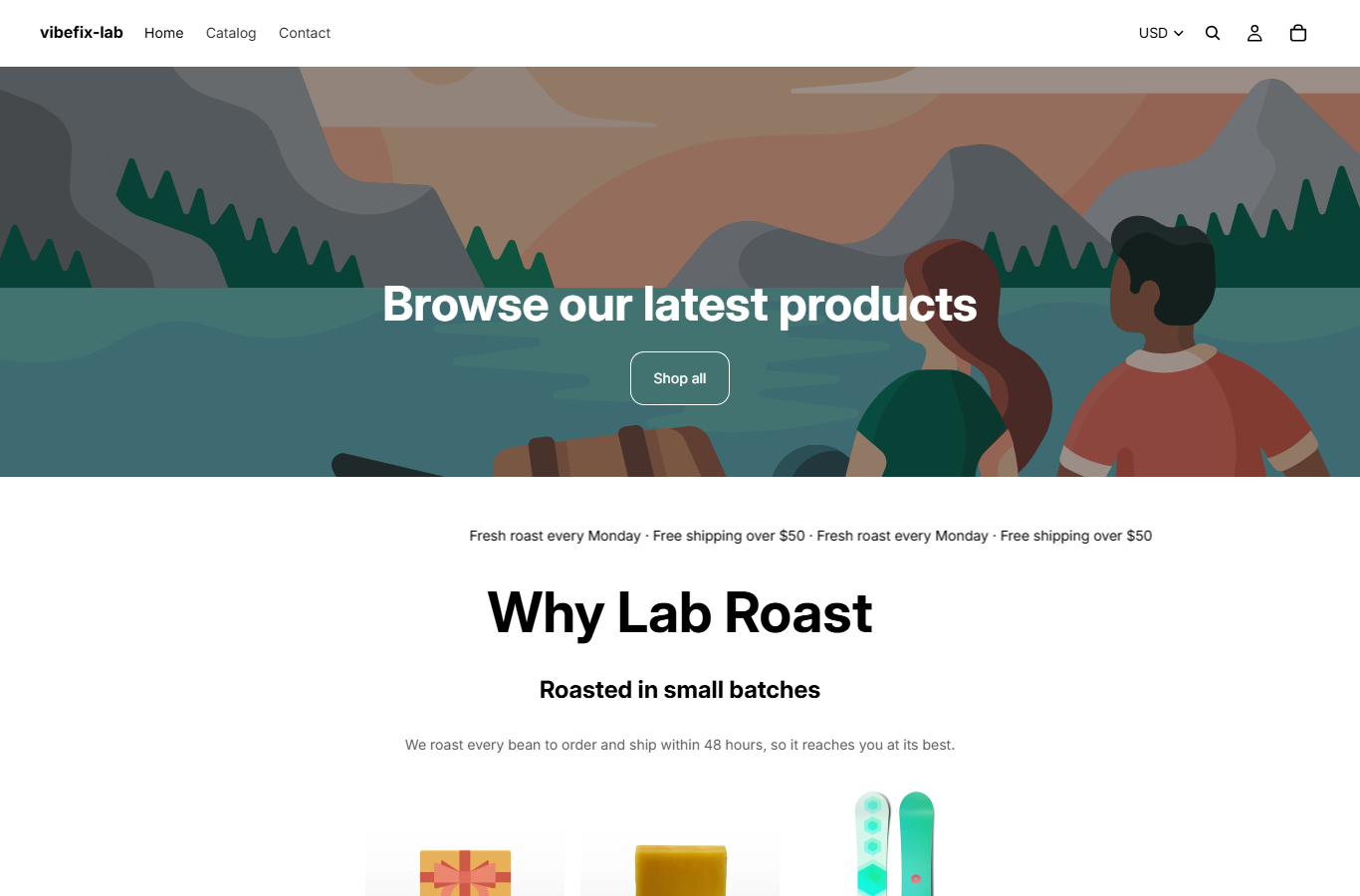
Three product pictures had no description, so a screen reader had no description to read. The product name sits right beside each picture, so they are now marked as decorative and skipped.
−  <img src="{{ product.featured_image | image_url: width: 400 }}" width="400" height="400">
+  <img src="{{ product.featured_image | image_url: width: 400 }}" width="400" height="400" alt="">
3. Links have no text a screen reader can read out (1 found)
The cart link was only an icon, so a screen reader said “link” and nothing else. It now says “Cart”, in the store’s own words for every language.
−  <a class="promo__cart" href="{{ routes.cart_url }}"><svg width="24" height="24" …>
+  <a class="promo__cart" href="{{ routes.cart_url }}" aria-label="{{ 'accessibility.cart' | t | escape }}"><svg aria-hidden="true" focusable="false" width="24" height="24" …>
4. Some items hidden from screen readers can still be tabbed to (1 found)
A “Shop the full range” link was hidden from screen readers but still reachable with the Tab key, so keyboard users landed on something that said nothing. It is now announced like any other link.
−  <div aria-hidden="true" class="promo__ghost"><a href="{{ routes.all_products_collection_url }}">Shop the full range</a></div>
+  <div class="promo__ghost"><a href="{{ routes.all_products_collection_url }}">Shop the full range</a></div>
5. Text is too faint against its background (1 found)
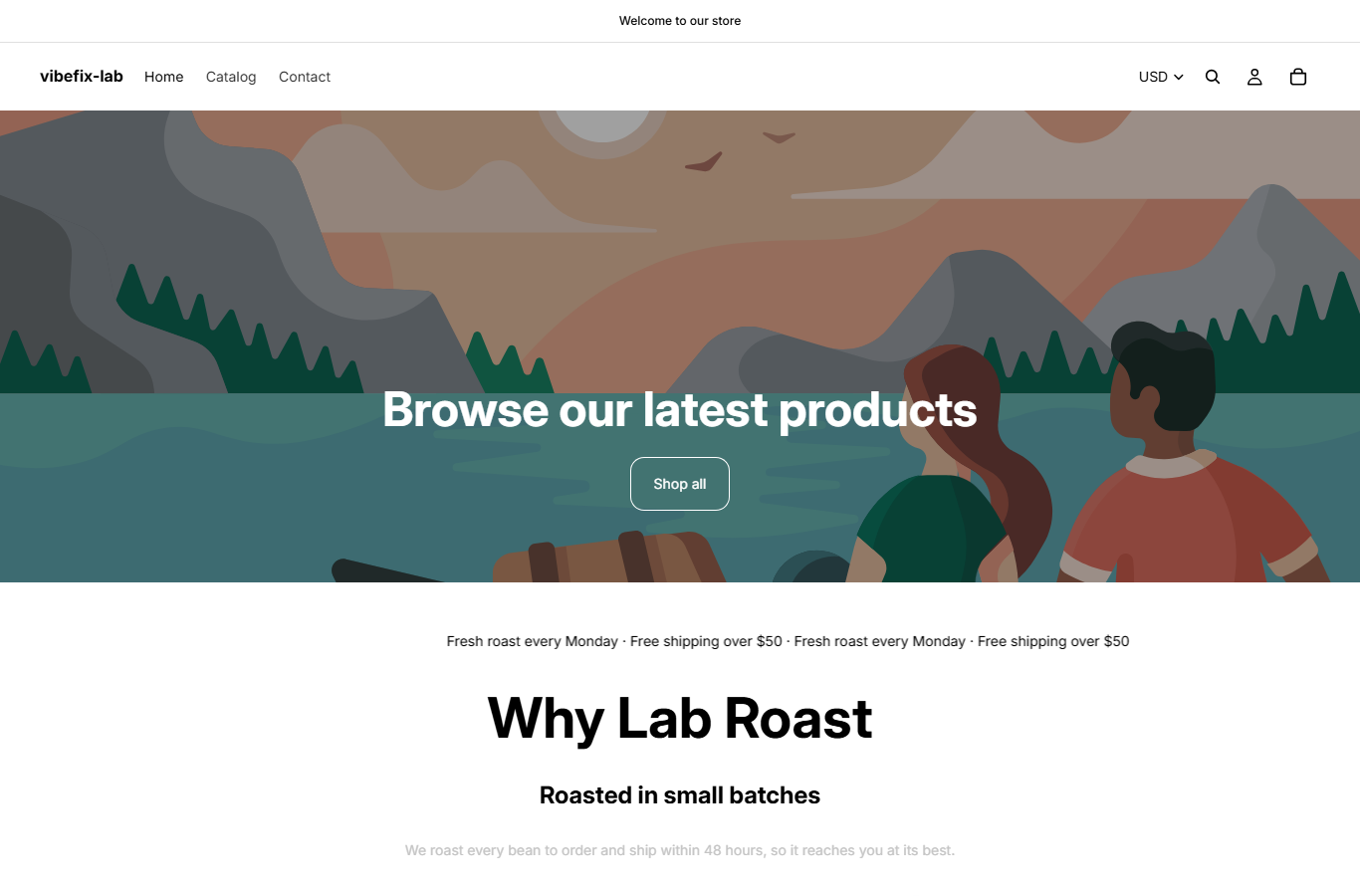
A light grey line on white was hard to read (1.7:1). It is now dark grey (7:1).
−  .promo__note { color: #c4c4c4; }
+  .promo__note { color: #595959; }
6. The page blocks or limits zooming in
On a phone, visitors couldn’t pinch to zoom. They can now.
−  content="width=device-width,initial-scale=1,maximum-scale=1,user-scalable=no,viewport-fit=cover"
+  content="width=device-width,initial-scale=1,viewport-fit=cover"
What the check couldn’t confirm, before and after
The check also listed 4 items it couldn’t confirm either way: 1 place where screen reader details may be set up incorrectly, and 3 places where text may be too faint. They were the same before and after the fix, because the check can’t decide them on its own. Items like these need a person to look at them.
The homepage, before and after

For your store
Start with the free check of your homepage. If you want the issues fixed, our AI agent works on an unpublished copy of your theme, and you preview it and publish it yourself.